What Is a Lock Screen Widget?
A Lock Screen widget is a small piece of glanceable information — text, an icon, or a short update — displayed directly on the screen you see before unlocking your phone.
Where they appear
Lock Screen widgets sit just below the time, either as small circular icons or a wider rectangular area, so the information is visible the moment you raise your phone, without unlocking it.
Three shapes
Apple's Lock Screen widgets come in three formats: circular (a small icon-based dial), rectangular (a wider box that can hold a short line or two of text), and inline (a single line of text next to the date).
How they differ from Home Screen widgets
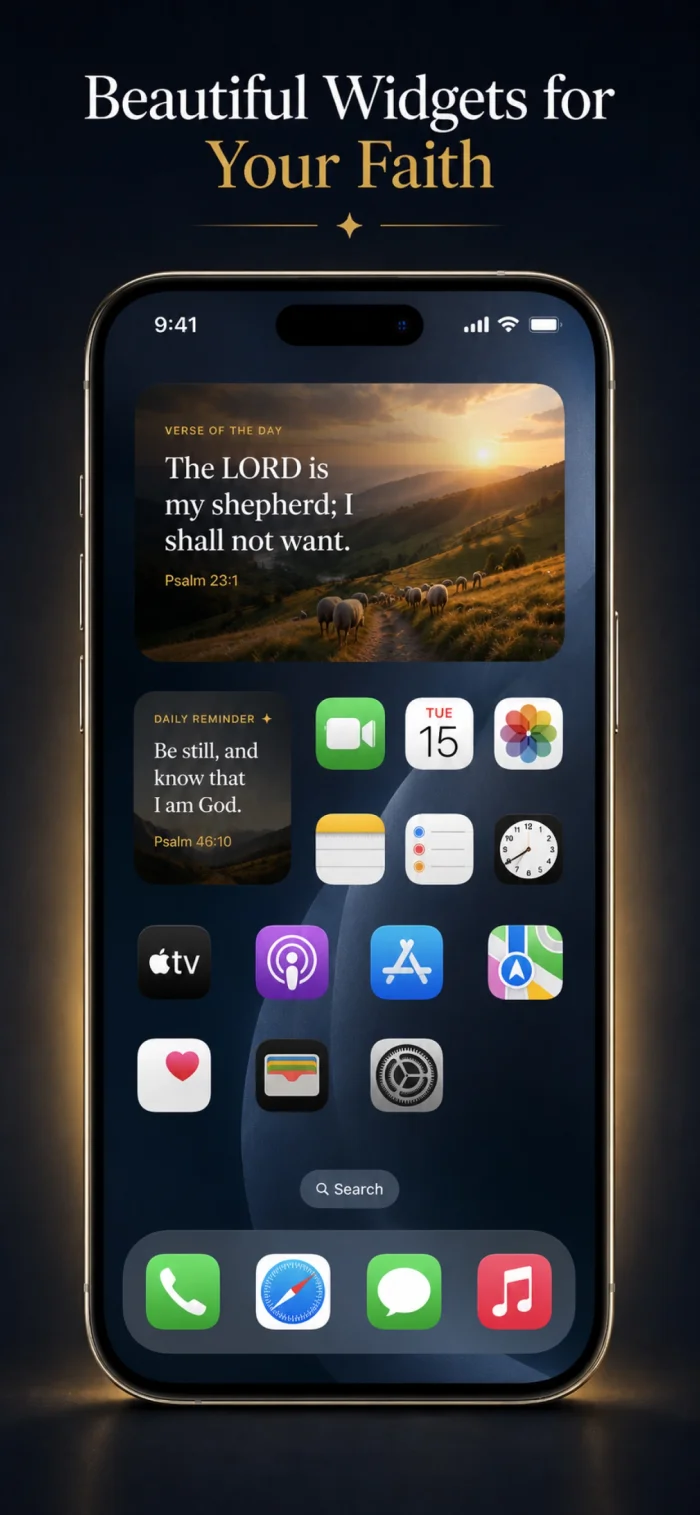
Home Screen widgets can be larger and show more detail, since they live on a screen you actively browse; Lock Screen widgets are intentionally compact, built for a single glance rather than extended reading.
Can you have multiple Lock Screen widgets at once?
Yes — depending on the shapes chosen, you can typically fit a rectangular widget plus one or two circular/inline widgets on a single Lock Screen.